We can't find the internet
Attempting to reconnect
Something went wrong!
Attempting to reconnect
Resume builder
Probably most complex Web Form in our tool, so we created a separate guide for it, including recommendations on filling specific fields!
Contact information
When you create your first resume, you should start from filling out contact information. It will be only used in your resumes. All of them will share this information: address, email and links.
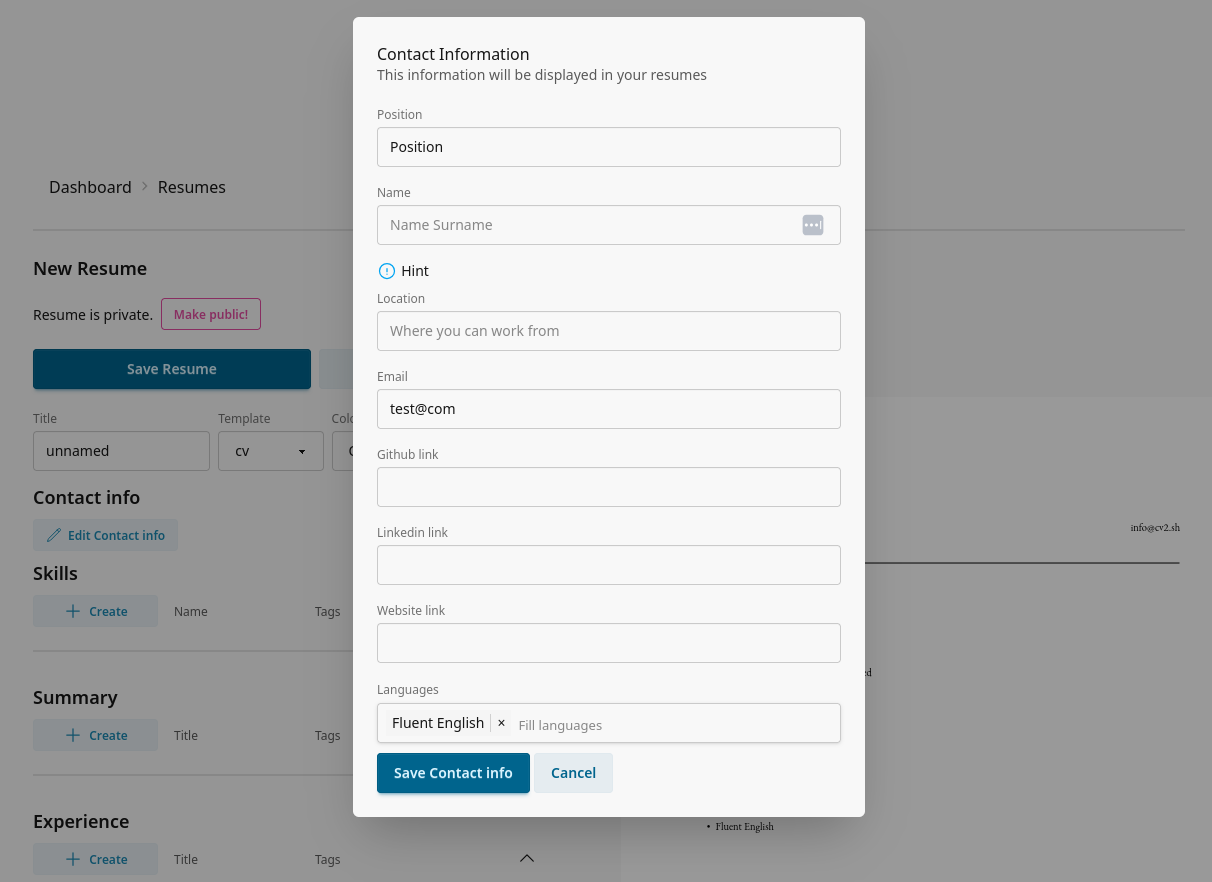
You can change contact information later. The only important thing to have in head is that resume share link depends on contact info name, so please reload resumes after you change your name.
Templates and colors
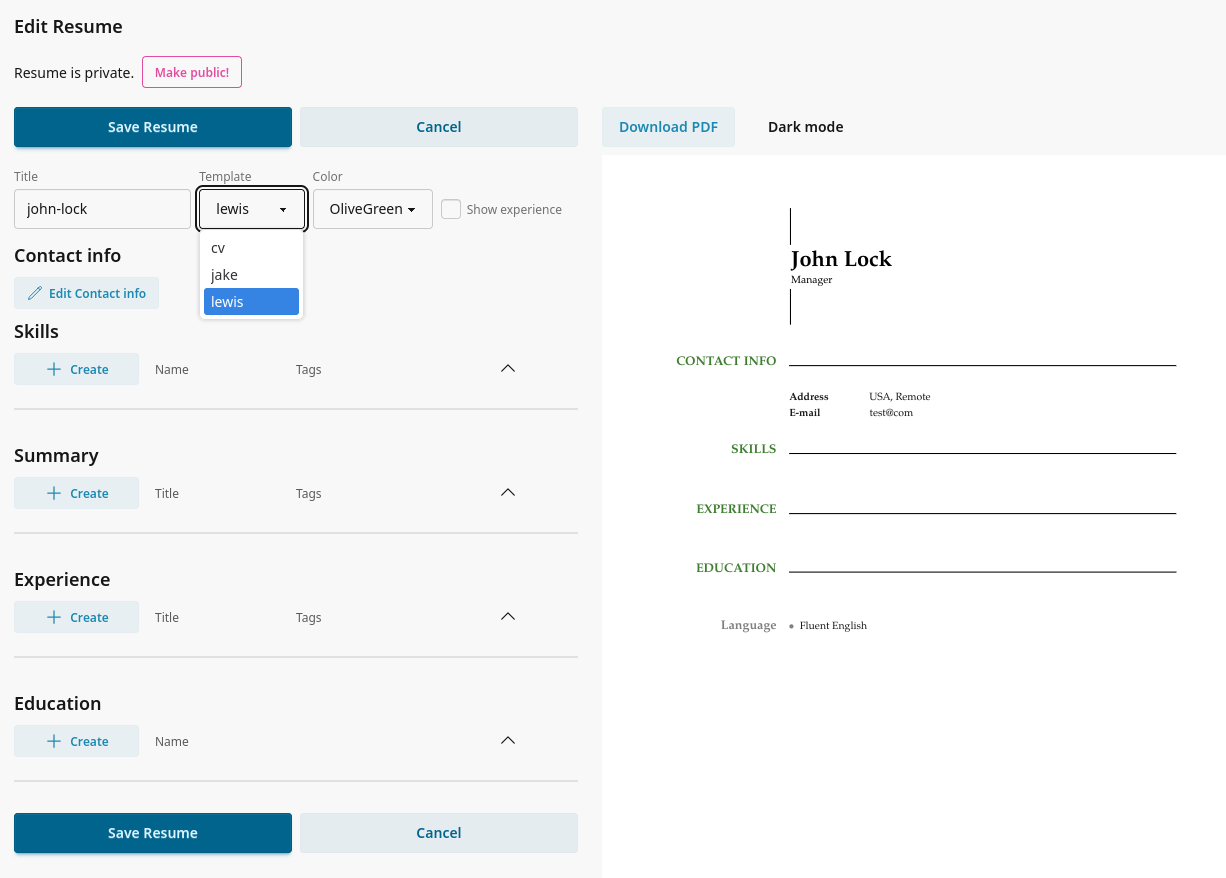
Then you will see resume editor, it is the core of updating and analyzing your resume.
Try different templates and accent colors, find one that will look nice and will look attractive for you. It is better to have a document that you like to enjoy the process!
Resume updating
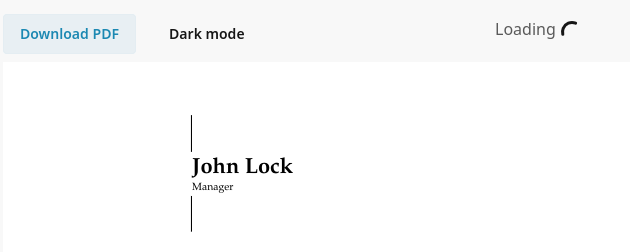
When you change resume, our builder updates it automatically and you see resulting pdf immediately.
Indicator in the top right corner is telling that currently resume is rendering.
Skills
Simpliest of the forms: when you add skill, you only need to name it.
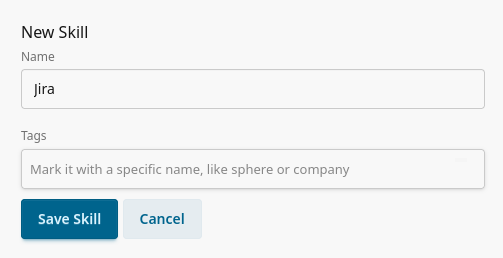
Tags
(they are working same for all elements of resume)
And you can pick or add tags to associate with an element.
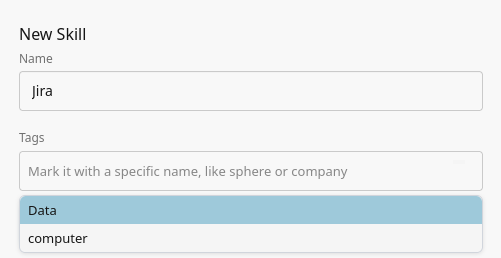
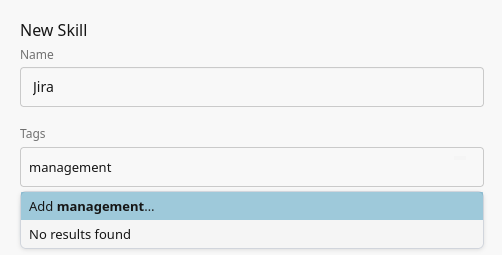
To create a new tag, just write it down and then click "Add ..."
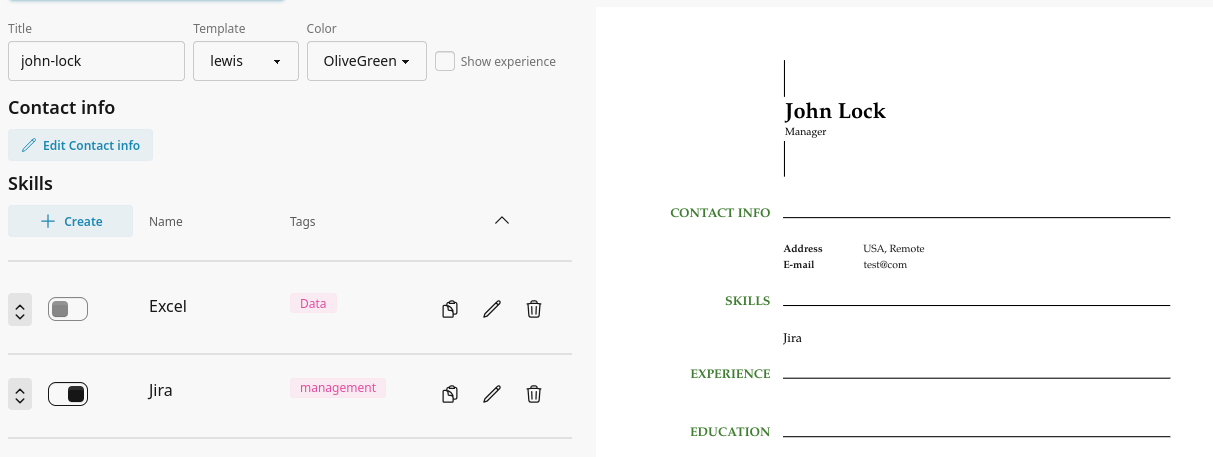
And this is how skills should look like. Pick one and check how it looks in your resume:
Ordering
In resumes ordering is very important: some information is more valuable, when others is just a good addition. You can drag and drop elements in each category
Summary
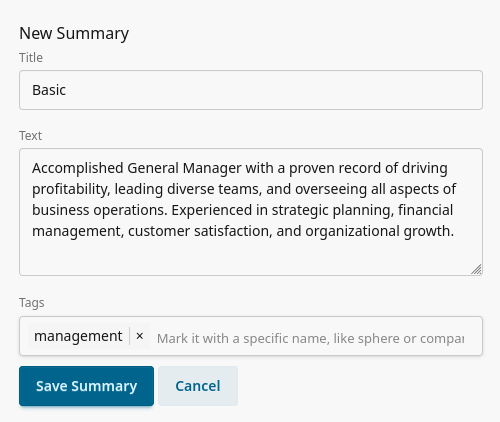
Fill the title and text, pick tag and you are ready to include it into resume.
Experience
Here you should write where you worked and what you did great at that place.
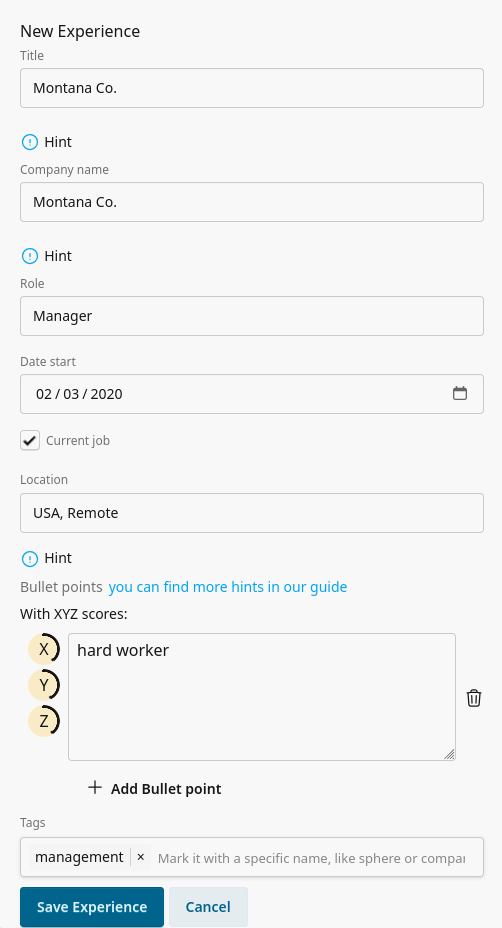
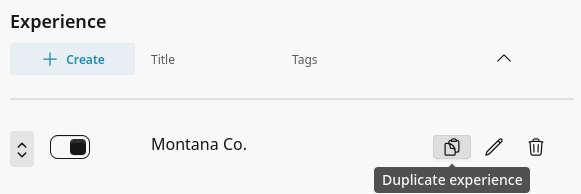
There are a lot of fields here. If you would like to tweak experience in the future, you can just duplicate it and change only necessary information.
Bullet points
XYZ Formula
Accomplished X, as measured by Y, by doing Z
Here’s how each piece works:
- X: What you achieved.
- Y: The measurable result.
- Z: The actions you took to achieve the result.
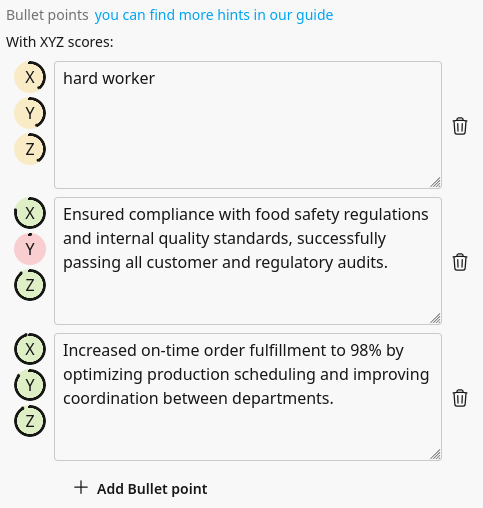
When you write down your work experience and achievements, you will see XYZ scores on the left side (these values are estimated scores. We can't guarante that high score will lead to 100% correct and great looking bullet point, but it is a great indicator to improve the wording):